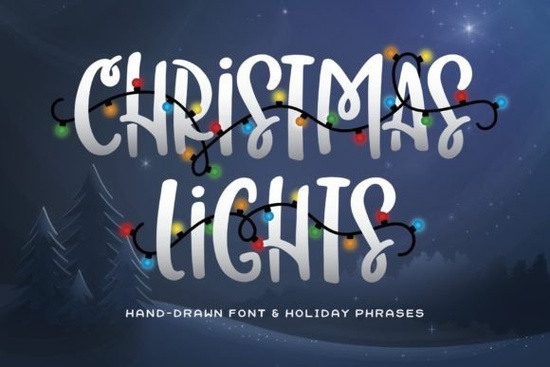
If you're working on holiday-themed designs whether for greeting cards, t-shirts, mugs, or social media graphics you know that the right typeface can make all the difference. The Christmas Lights Font is a bold, all-caps display font that brings instant festive cheer. What sets it apart is its built-in holiday words like “JOY,” “NOEL,” and “HO HO HO,” each decorated with glowing string lights that feel straight out of a cozy winter evening.
This font isn’t just decorative it’s practical for creators who want to add seasonal flair without spending hours on custom illustrations. Because it’s vector-based, it scales cleanly for everything from small stickers to large banners, making it especially useful for print-on-demand sellers and small businesses preparing their holiday collections early.
How does the Christmas Lights Font work in real projects?
Since it’s an all-caps font with pre-designed light strings integrated into specific words, it’s best used as a headline or accent element rather than body text. Think of it as your shortcut to eye-catching holiday headlines:
- Greeting cards: Pair it with a minimalist layout for maximum impact.
- T-shirt designs: Use “MERRY” or “CHEER” as focal points above simple illustrations.
- Social posts: Overlay it on warm-toned backgrounds for Instagram stories or Pinterest pins.
- Wall art: Combine with hand-lettered quotes using softer fonts like Peach Club for contrast.
Because the lights are part of the letterforms, you don’t need to layer extra graphics or worry about alignment the effect is baked right in. That saves time during production, especially when you’re managing multiple SKUs or seasonal campaigns.
What other fonts pair well with it?
The Christmas Lights Font has strong personality, so it pairs best with clean, understated companions. Script fonts with gentle curves help balance its boldness. For example:
- Beautiful Wildflower Duo offers elegant swashes that complement the playful energy of Christmas Lights without competing.
- If you prefer modern minimalism, Alignment Font provides crisp lines and neutral spacing ideal for subheadings or product descriptions.
- For a more whimsical combo, try Olivia Scatcer, which adds a touch of handmade charm alongside the electric glow of your main title.
Avoid pairing it with other heavy display fonts or anything overly ornate simplicity lets the lights shine (literally).
Is this font suitable for commercial use?
Yes. Like most Creative Fabrica fonts, the Christmas Lights Font comes with a commercial-use license when downloaded through their platform. That means you can use it in products you sell physical or digital as long as you’re not redistributing the font file itself. Always double-check the license details on your download page, but for typical crafters and small businesses, it’s ready to go.
Keep in mind: because the lit words are fixed glyphs (not editable letters), you can’t spell arbitrary phrases with the light effect. You’ll get the most value if your message aligns with the included words like “FROSTY,” “SANTA,” or “XMAS.” Review the character map before purchasing to confirm it fits your project needs.
When should you choose this over other holiday fonts?
Many seasonal fonts rely on snowflakes, holly, or script flourishes. The Christmas Lights Font stands out by simulating actual string lights a nostalgic, universally recognized symbol of the holidays. If your audience responds to warmth, nostalgia, or classic Americana vibes (think neighborhood light displays or downtown holiday parades), this font resonates more authentically than generic “festive” typefaces.
It’s also faster to implement than creating your own illuminated text in Illustrator or Photoshop. For solopreneurs juggling design, production, and marketing, that efficiency matters.
Before you finalize your holiday lineup, consider testing how the font renders at different sizes. While it looks great large, the tiny bulbs may blur on very small prints so avoid using it for fine details like mug rim text or tiny gift tags.
Quick checklist before using the Christmas Lights Font:
- Confirm your key message matches one of the pre-lit words in the font.
- Pair it with a simple supporting font (like this complementary script option) for readability.
- Test print or mockup at actual size to ensure bulb details stay crisp.
- Download it through Creative Fabrica to activate your commercial license automatically.
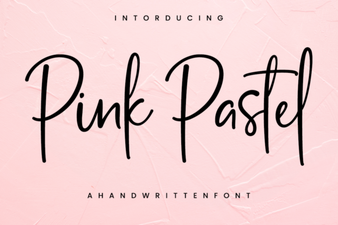 Beautiful Pink Pastel Fonts for Your Designs
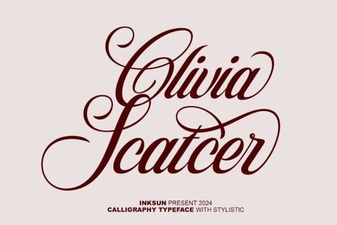 Olivia Scatter Font: Creative Design Projects & Tips
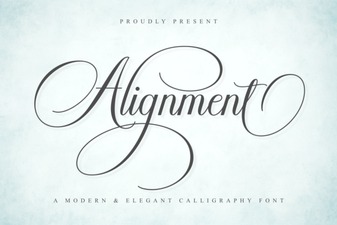 Master Font Alignment for Clean, Legible Designs
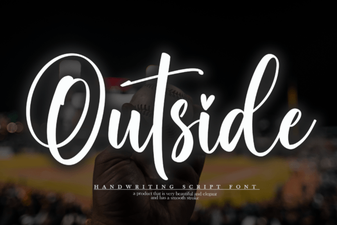 Integrating Unique Outside Fonts Into Web Design
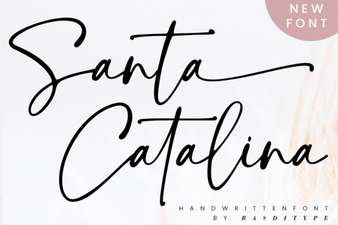 Santa Catalina Font Design Guide & Examples
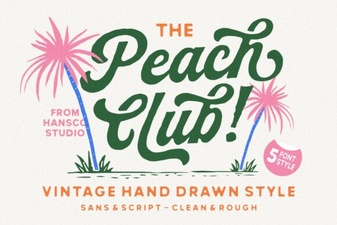 Design with Peach Club Font Creativity